

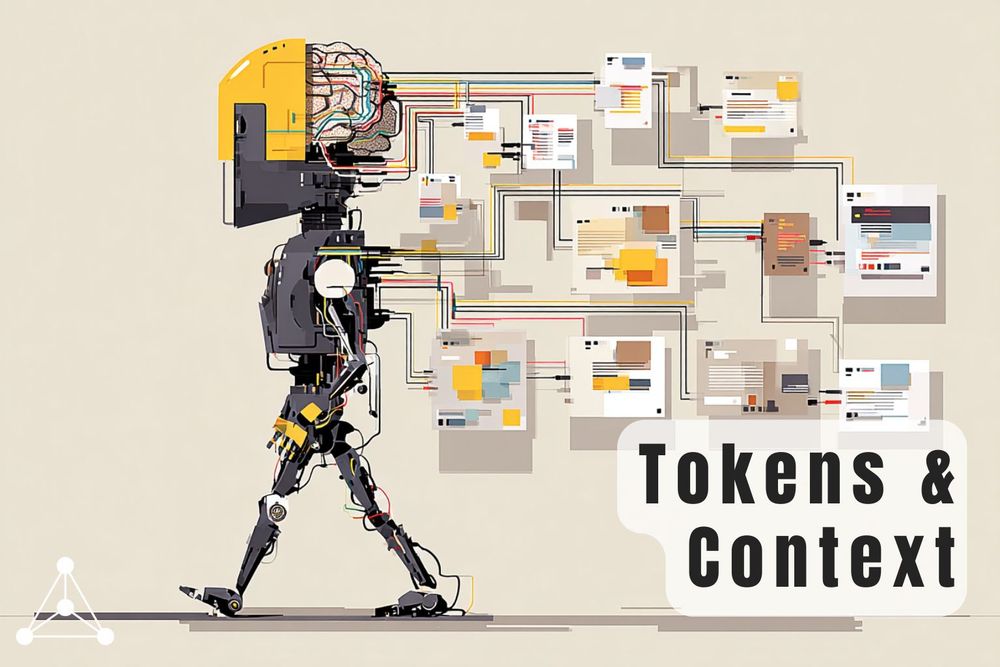
You're partway through a long conversation with an AI. Somewhere around message fifteen, it seems to have completely forgotten the crucial instructions you gave it at the start.
This is the context window problem. It's not a glitch or the AI is being difficult, but rather a fundamental part of how these models work. Understanding it makes a real difference to how we use them day to day.
What is a token?
Before we can talk about context windows, we need to discuss tokens : the unit AI models use to measure text.
Tokens are not the same as words. When an AI model reads your input, it first breaks it into small chunks called tokens. A token might be a whole word, part of a word, a punctuation mark, or even a space. The word darkness typically becomes two tokens: dark and ness. The word Hello is one.
As a rule of thumb, one token is roughly four characters of English text, or about three-quarters of a word. A 200-word document is somewhere in the region of 250-300 tokens.
Tokens are the unit AI models use to measure text. They don't line up neatly with words. Think of them as smaller, irregular chunks of language.
What is a context window?
The context window is the total number of tokens an AI model can hold in its working memory at any one time.
Everything counts toward this total: your messages, the documents you paste in, and the model's own responses. Think of it like a whiteboard. The model can only see what's written on the whiteboard, and once it's full, something has to be wiped off to make space.
This sets a hard ceiling on how much information the model can work with in a single session.
Why does the AI seem to forget earlier parts of a conversation?
When a conversation grows long enough to fill the context window, the model can no longer access the tokens that were pushed out. The instructions you gave at the start of the conversation, or the document you pasted in, may simply no longer be visible.
The model isn't forgetting in any meaningful sense. It just can't read beyond the edge of the window.
When the AI loses the thread, it's rarely because of a reasoning failure. More often, the relevant context has simply scrolled out of view.
How big are context windows?
Context window sizes vary considerably by model. At the time of writing, mainstream tools generally offer somewhere between 128,000 and 200,000 tokens as a standard. Some newer models are offering windows of one million tokens or more.
A note on figures: context window sizes are increasing rapidly. The numbers above reflect the current state of things ,but may have changed since publication. It's worth checking the documentation for the specific tool you're using.
One other thing worth noting: advertised capacity and reliable performance don't always match up. Some models start to lose coherence as the context fills. Effective capacity tends to run lower than the headline figure suggests.
How to work effectively within context window limits
You don't need to understand the technical details to benefit from this. Two practical habits help.
- Starting a fresh conversation resets the window entirely. If you're switching to a new task, a new chat is usually better than continuing an old one.
- AI models suffer from the "Lost in the Middle" effect, where information buried in the center of a long conversation is easily forgotten. For the best results, place vital instructions at the start of your prompt and restate them as the conversation grows to keep them within the model's focus.
What is Context Compacting?
Some tools handle a full context window more gracefully than others. Rather than simply dropping old tokens, context compacting is a technique where earlier parts of a conversation are automatically compressed into a summary. The key points are preserved; the verbatim text is not.
This is a cleaner solution than losing context entirely, but it's worth knowing it's happening. A compressed summary of earlier instructions is not the same as having those instructions in full. For high-stakes or specific tasks, starting a fresh conversation with key context restated is still the more reliable approach.
Not all tools implement context compacting. Claude Code handles this automatically when the window fills. Other tools may simply truncate without warning.
Putting it together
The context window is one of the most useful concepts to understand when working with AI tools. Tokens tell you how AI measures text. The context window tells you how much of it the model can see at once. When the AI starts giving vague or inconsistent responses mid-conversation, there's a good chance something important has scrolled out of view.
If you want to get more out of these tools, prompting well is the natural next step. Getting Started with AI - The Fundamentals of Prompting is a good starting point, and You're Using ChatGPT Wrong - Here's How to Prompt Like a Pro goes deeper into practical techniques.
Sources and Further Reading
https://help.openai.com/en/articles/4936856-what-are-tokens-and-how-to-count-them
https://blogs.nvidia.com/blog/ai-tokens-explained/
https://learn.microsoft.com/en-us/dotnet/ai/conceptual/understanding-tokens
https://www.elvex.com/blog/context-length-comparison-ai-models-2026